skafold

Skip the blank canvas. Go straight to design or build.

Start from section presets, refine every layout with atomic edits, and hand clean structure into Figma or AI tools without rebuilding the page.

Get Your Time Back

Move faster with structure, without locking the layout too early.

Start with presets, refine with atomic blocks, and hand off with confidence. Plan visually, keep every section flexible, and move into design or AI workflows without rebuilding the same page twice.

Atomic Workflow

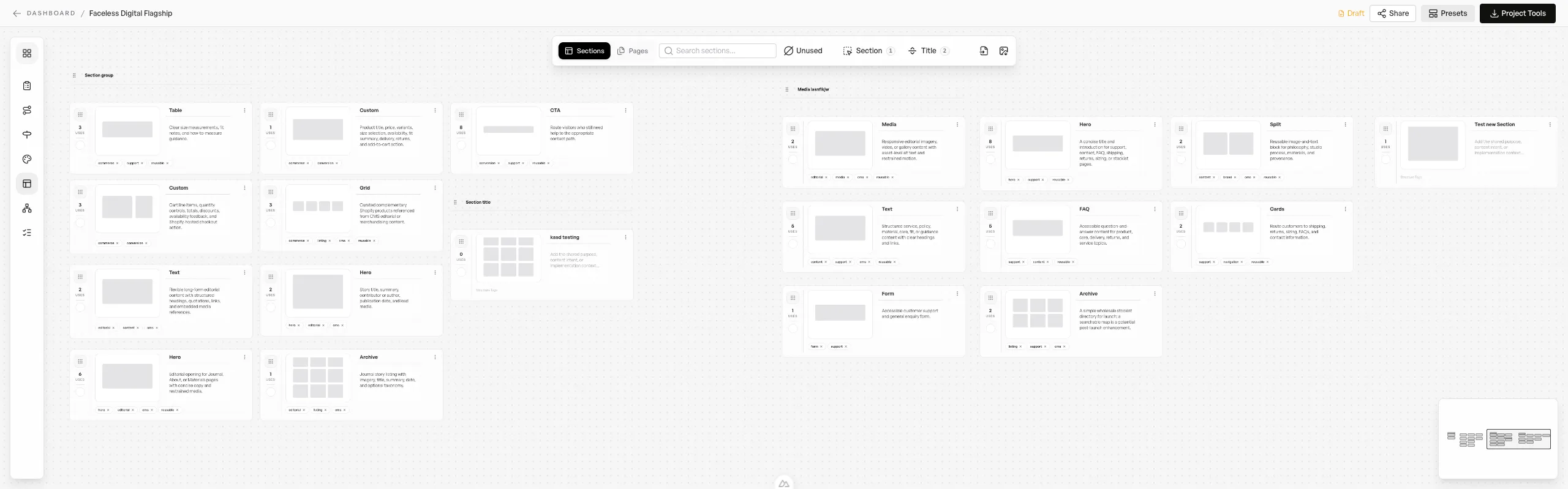
Shape the page directly on canvas. Add atomic blocks, adjust section layouts, and reposition content until the structure feels right without starting over.

  • Add atomic blocks inside any section as you go
  • Modify layouts and split ratios without rebuilding
  • Reposition blocks to explore better hierarchy fast
  • Keep the wireframe flexible all the way into handoff
Hero - Image Right preview
Hero - Image RightHero

Two columns with copy first and media second

Hero - Centered preview
Hero - CenteredHero

Centered hero with constrained copy and dual CTA row

Feature - Three Column preview
Feature - Three ColumnFeatures

Three content columns for feature highlights

Feature - Icon Grid preview
Feature - Icon GridFeatures

Three columns with icon, title, and copy

Content - Two Column preview
Content - Two ColumnContent

Editorial two-column content layout with inline imagery

Blog Archive preview
Blog ArchiveContent

Editorial archive layout for blog posts with a card grid

Product Detail - Standard preview
Product Detail - StandardEcommerce

Standard ecommerce product detail layout with gallery, pricing, and add-to-cart controls

Customisable Section Presets

Move even faster with section presets that give you an instant starting point, then customise the layout, spacing, and structure to fit the page.

  • Start from hero, feature, pricing, CTA and content presets
  • Switch variants quickly to explore different directions
  • Tune spacing, layout, and structure after dropping a preset in
  • Faster page assembly without sacrificing control
AI Handoff
Windsurf
Stitch
Codex
Claude Code
Cursor
Lovable
Windsurf
Stitch
Codex
Claude Code
Cursor
Lovable
VS Code
Figma Make
JetBrains
Bolt
Replit
v0
VS Code
Figma Make
JetBrains
Bolt
Replit
v0
Cline
Framer
Gemini
Perplexity
OpenAI
Design AI
AI Handoff

Plan Once.
Handoff To Any AI Tool.

Export image references and prompt-ready structure from the wireframe you already built, then move straight into Codex, Claude Code, Cursor, Stitch, or any tool that accepts prompt input and images.

  • Export PNG or JPG image references plus human-readable prompt support.
  • Give coding tools, design generators, and vibe-code workflows real layout context.
  • Works alongside Figma export when editable design files are still part of the flow.
Add Project
Unlimited projects, one plan
6

Unlimited Projects

One simple price. Unlimited sitemaps, wireframes, and exports. We scale with your agency, not against it.

  • No per-project fees
  • Unlimited clients/projects
  • Predictable monthly cost

Skafold Import

Paste wireframe data from Skafold

Cmd+V to paste

Data Preview

Pages4
Sections16

Creating frames...

Export to Figma

When you need editable design files, send your wireframes straight into Figma with a cleaner planning-to-design handoff.

  • One-click export from the wireframe toolbar
  • Structured frames ready for design work
  • Keeps Figma and AI handoff as parallel workflows
  • Useful when the next step is visual design, not prompting

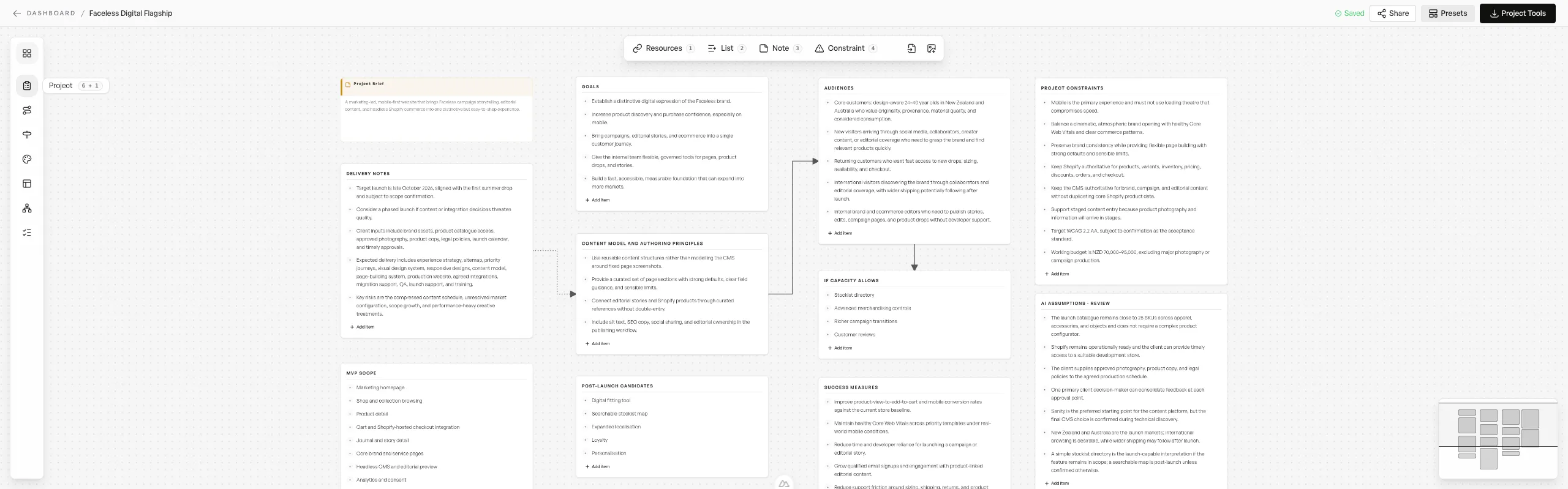
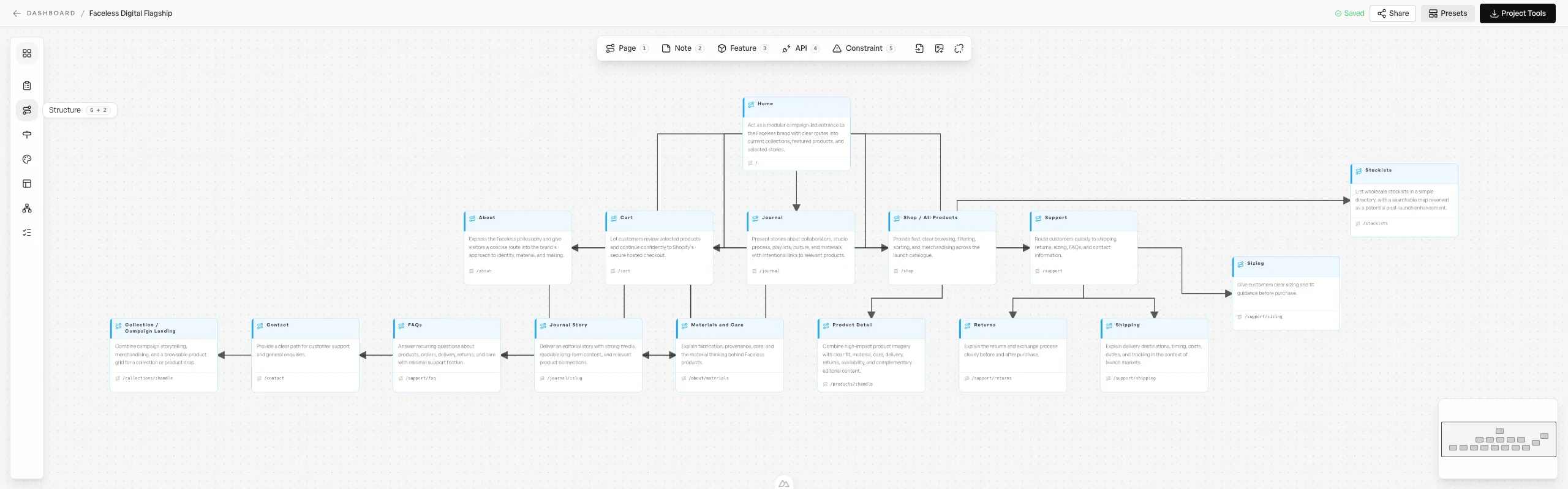
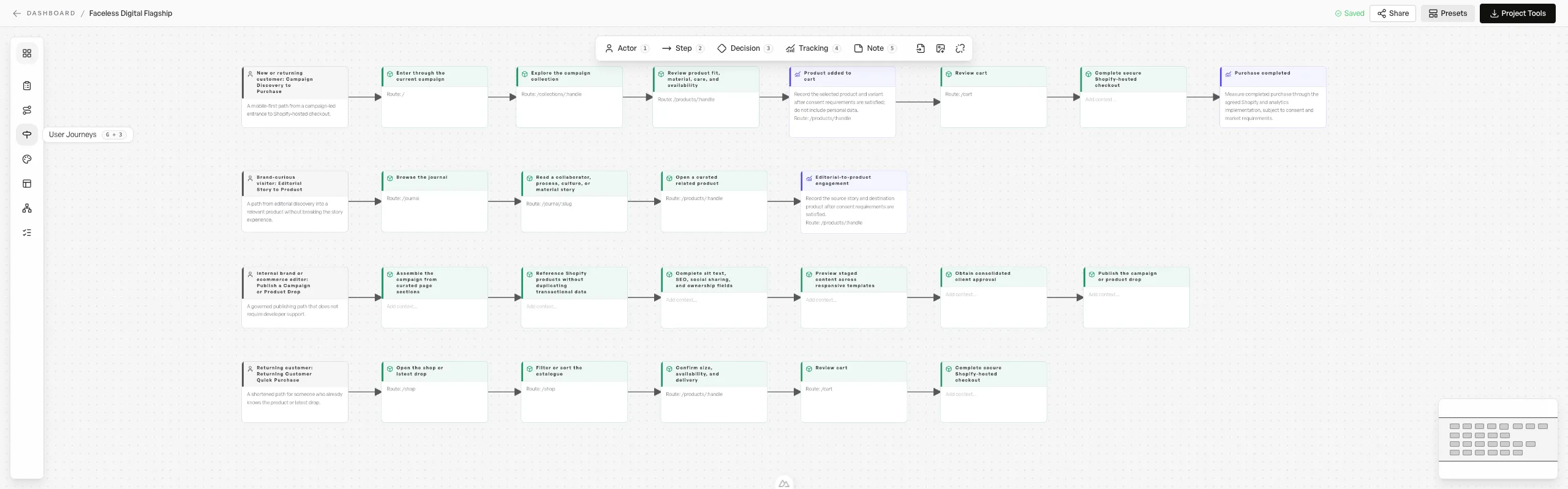
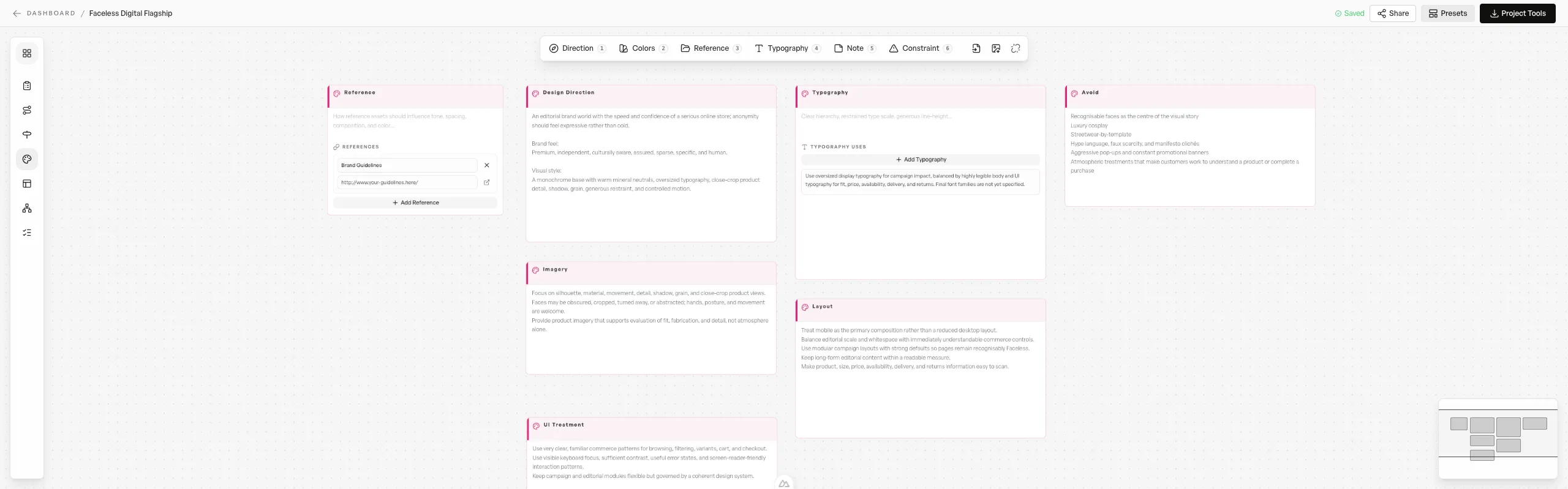
Visually Plan Sites

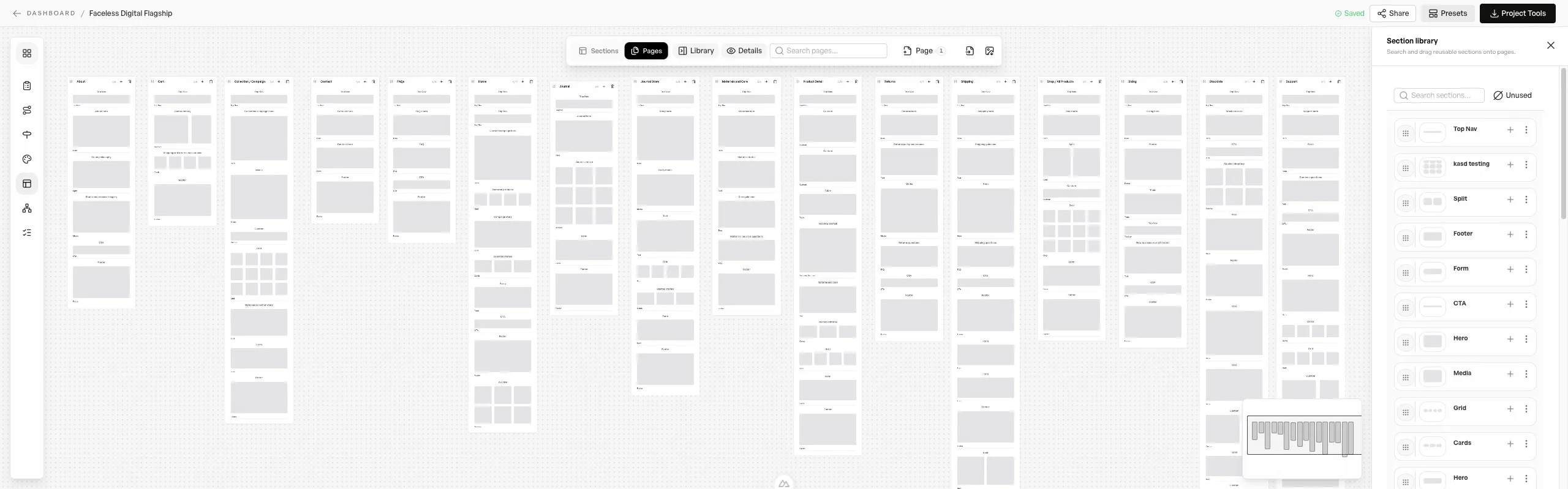
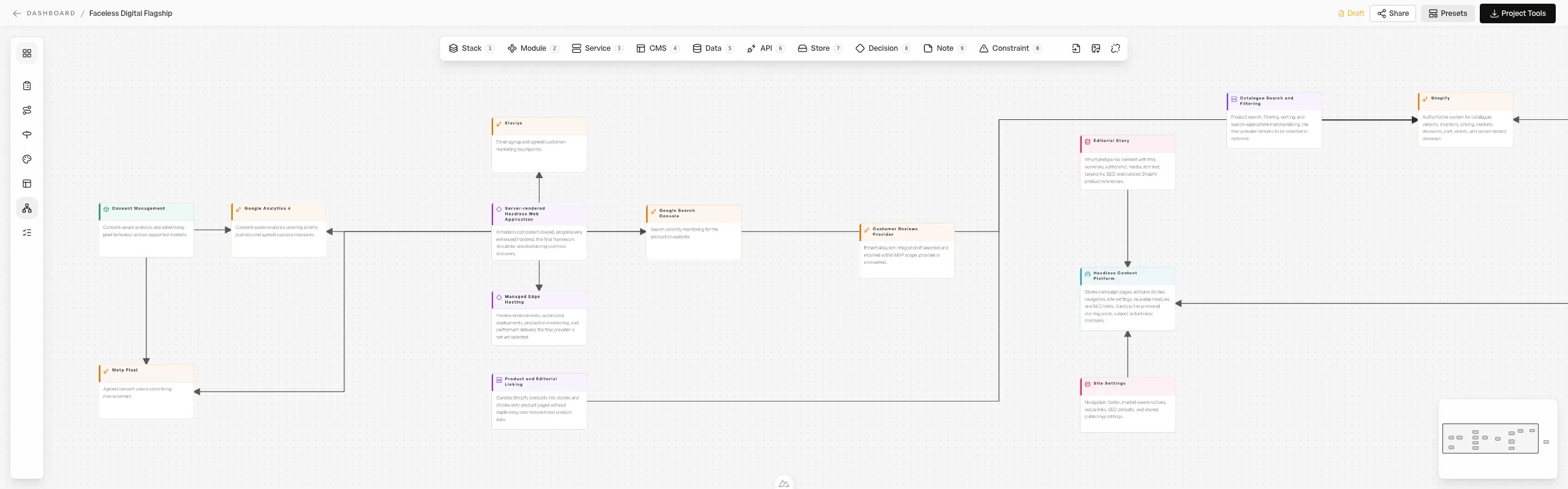
The fastest way to plan websites. Organize complex hierarchies with drag-and-drop simplicity.

  • Alignment snapping
  • Visual user journeys
  • Real-time auto-save
  • Infinite workspace

Smaller features, big difference.

Infinite Canvas

Unlimited space for projects of any size

Auto-save

Every edit is saved automatically

PDF Export

Generate clean, unbranded professional PDF deliverables.

Zoom Controls

Smooth zoom from overview to detail

Minimap

Stay oriented in even the most complex projects.

Dark Mode / Light Mode

Your eyes and printer will thank you.

Simple Pricing

One Plan.
Total Freedom.

Predictable costs. No hidden Fees. Unlimited Projects. Cancel Anytime.

7-Day Free Trial

Full access. No credit card. Cancel anytime.

$0/ 7-DAY TRIAL
  • Unlimited projects during trial
  • Full sitemap and Wireframe studio access
  • Share trial work with clients or teammates
  • Upgrade to retain your projects

Starter - Monthly

Start with structure. Move straight into design or build.

$9.95/ MONTH
  • Unlimited projects
  • Full sitemap and Wireframe studio access
  • Export & share
  • Priority support

Starter - Annual

Everything in Starter, with uninterrupted access to plan, design, and build all year - with 2 free months.

$99.50/ YEAR
  • Everything in Monthly
  • Save $19.90/year
  • Two Months Free
  • Annual billing
  • Priority support

All prices are in USD — Local Taxes Apply

About

A Tool Built From Experience

Skafold helps you map website structure fast — so you can move from idea to a client-ready plan without getting stuck in pixel-perfect mockups.

Portrait of David Waters
David Waters
Product builder & educator

Why Skafold exists

Project planning should move teams toward clarity, not drag them into pixel-level decisions too early. Skafold was built to keep the focus on hierarchy, messaging, and page structure while momentum is still high.

The goal is simple: help freelancers and teams turn rough ideas into client-ready architecture fast, then move cleanly into Figma or AI-assisted implementation without rebuilding the work from scratch.

Clarity first
Start with structure and intent so design and development don't spiral later.
Client-ready output
Turn ideas into a plan you can share with stakeholders immediately.
Fast planning
Move from blank page to mapped architecture in minutes-not days.
Built for real work
Made for freelancers and teams building websites under real timelines.
Newsletter

Stay Updated

Be the first to know when our software solutions launch. Join our newsletter for updates and exclusive early access.

Get updates when new tools ship.

No spam. Just product releases, improvements, and occasional behind-the-scenes notes.